 MythVio
Get MythVio
MythVio
Get MythVio A LITTLE PHOTO. A WHOLE NEW WORLD.
Make a little
extraordinary.
A new look. An unexpected scene. A moment brought to life. Follow your imagination with MythVio’s AI photo and video tools.


Imagination takes it further.
THE POSSIBILITIES
Your photo.
A different kind of story.
Play with a new world, bring a still to life, or discover a style that feels like you.
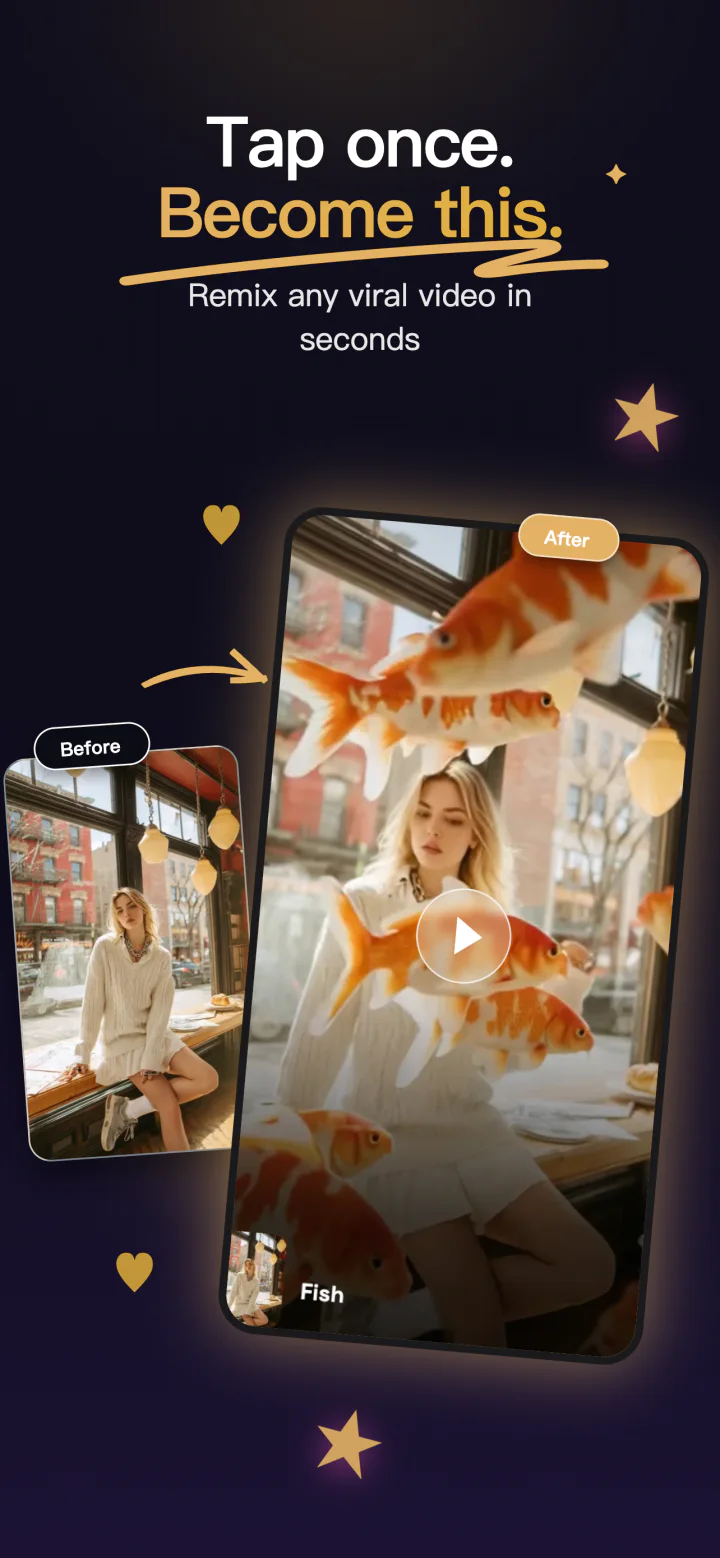
Let the unexpected in.
Give a familiar photo a wonderfully unfamiliar setting.
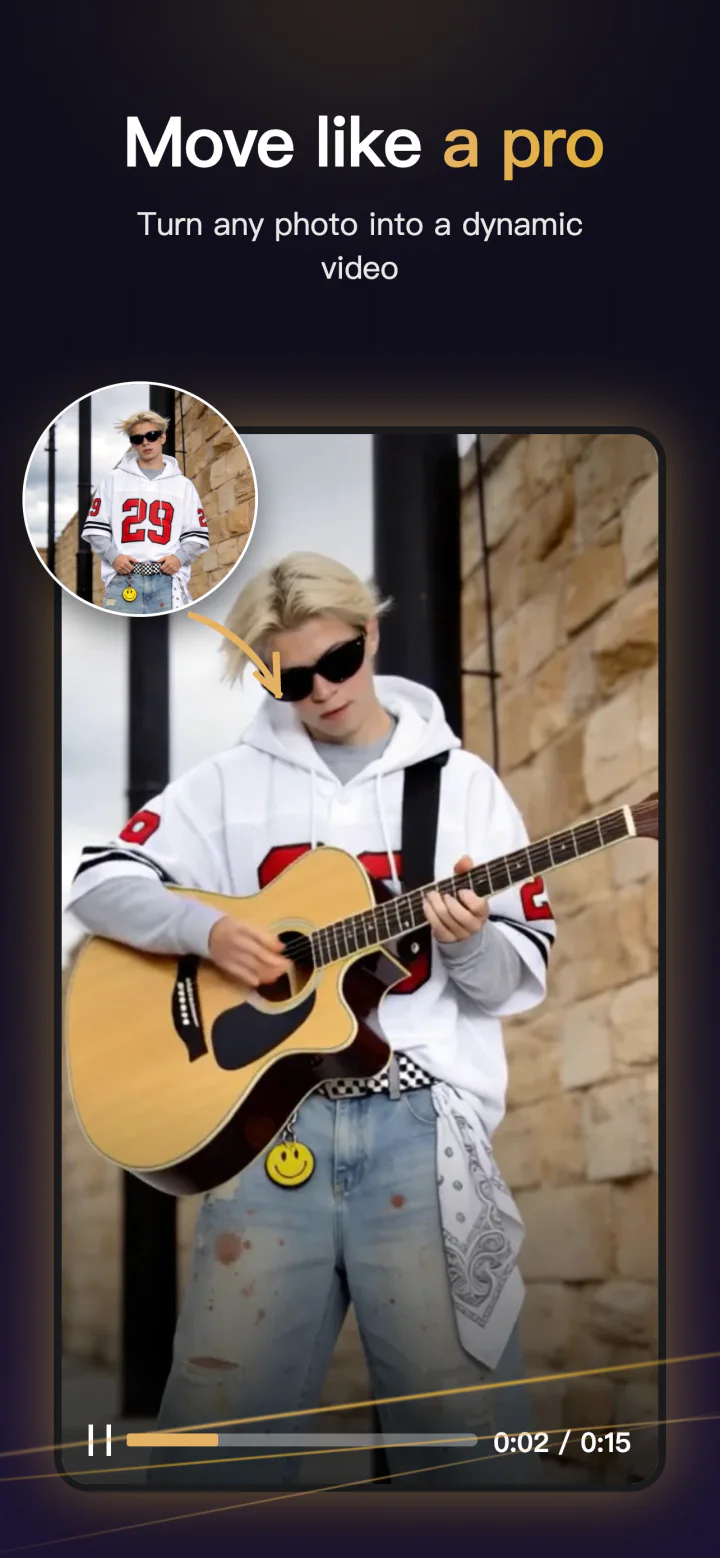
A still with a next scene.
Turn a photo into a short AI video with a little movement.
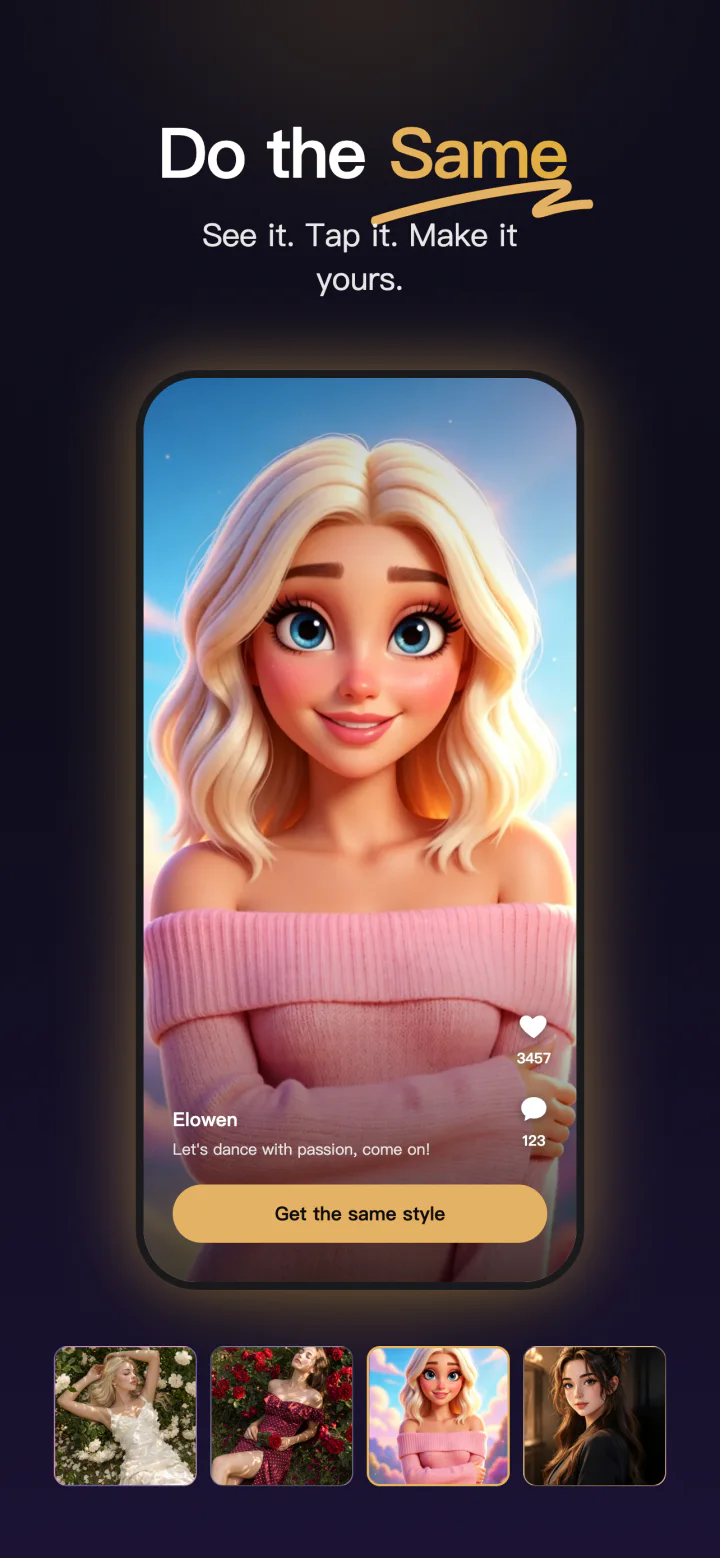
Same you. New universe.
Explore expressive portraits and imaginative character styles.
Illustrative examples. Results vary by photo, prompt, and selected tool. Images shown here are static previews.
FROM IDEA TO IMAGE
Less figuring out.
More making.
Bring the idea. MythVio gives you a place to explore it.
- 01
Start with your photo
Choose a moment, a portrait, or a scene you want to take somewhere new.
- 02
Give it a direction
Pick a template or describe the change. Try a new setting, style, or motion.
- 03
Make it your own
Review your creation, save a favorite, and share it when you’re ready.
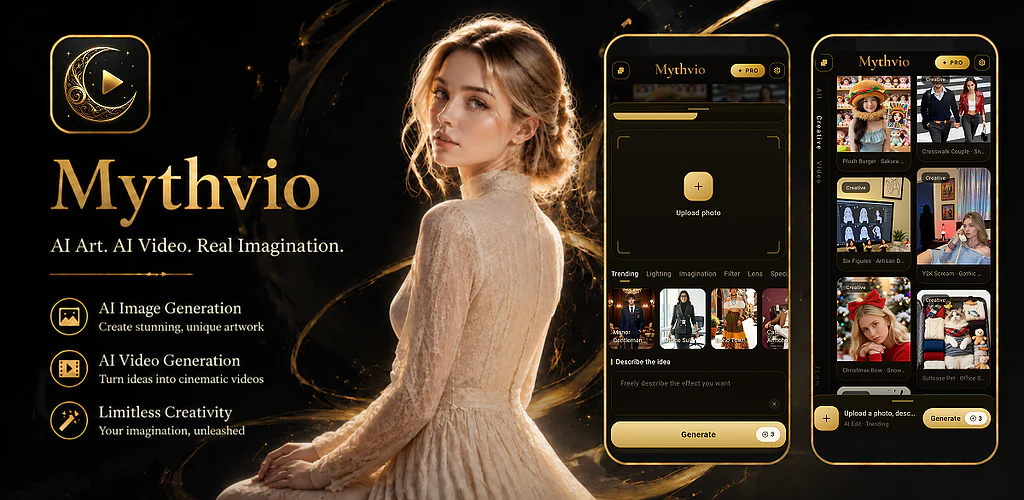
HERE WHEN YOU NEED US
A little help.
A human answer.
Questions about MythVio, a purchase, a refund, or your privacy? Email us with your account email and, for billing, your Google Play order number.
support@mythvio.comSeen something harmful, non-consensual, or infringing? Report content with the subject “MythVio Content Report.”
YOUR ACCOUNT, YOUR CONTROL
Delete your MythVio account
How to delete your MythVio account and associated data. MythVio is published on Google Play by RIZWAN TECH SOLUTIONS LLC.
- In the app, use the delete-account option in account settings where available, or
- Email support@mythvio.com from the email linked to your account, with the subject “MythVio Account Deletion Request.”
- We verify the request and process it within 15 working days, or sooner where required by law.
Deleted: your profile and sign-in details, saved creations and creation history, uploaded photos and videos, and remaining credits and in-app entitlements. Account data is deleted or de-identified within 30 days of a verified request.
Kept for a limited time: purchase, refund, and tax records for the legally required period (commonly up to 7 years), and security and abuse records generally for up to 12 months. See the Privacy Policy.
Only want some data removed? Delete individual creations in the app, or email us to ask for specific data to be deleted without closing your account.
Cancel Google Play subscriptions separately. Deleting your account or uninstalling the app does not cancel a subscription. Deletion is permanent and cannot be undone.
Request account deletion